The Neopian Pound
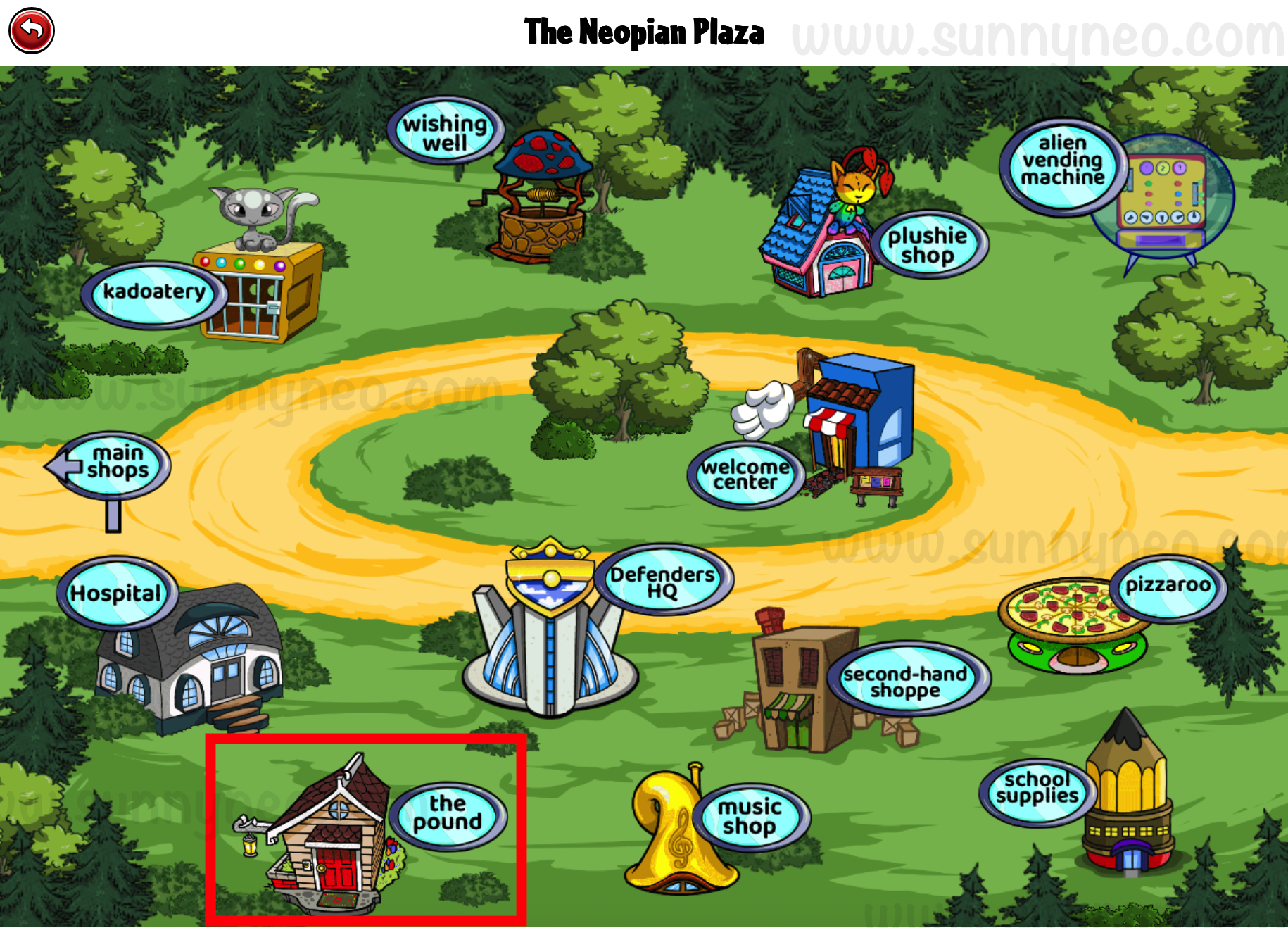
The Neopian Pound is located in The Neopian Plaza where users can choose to adopt, transfer or abandon their pets.
Getting Started
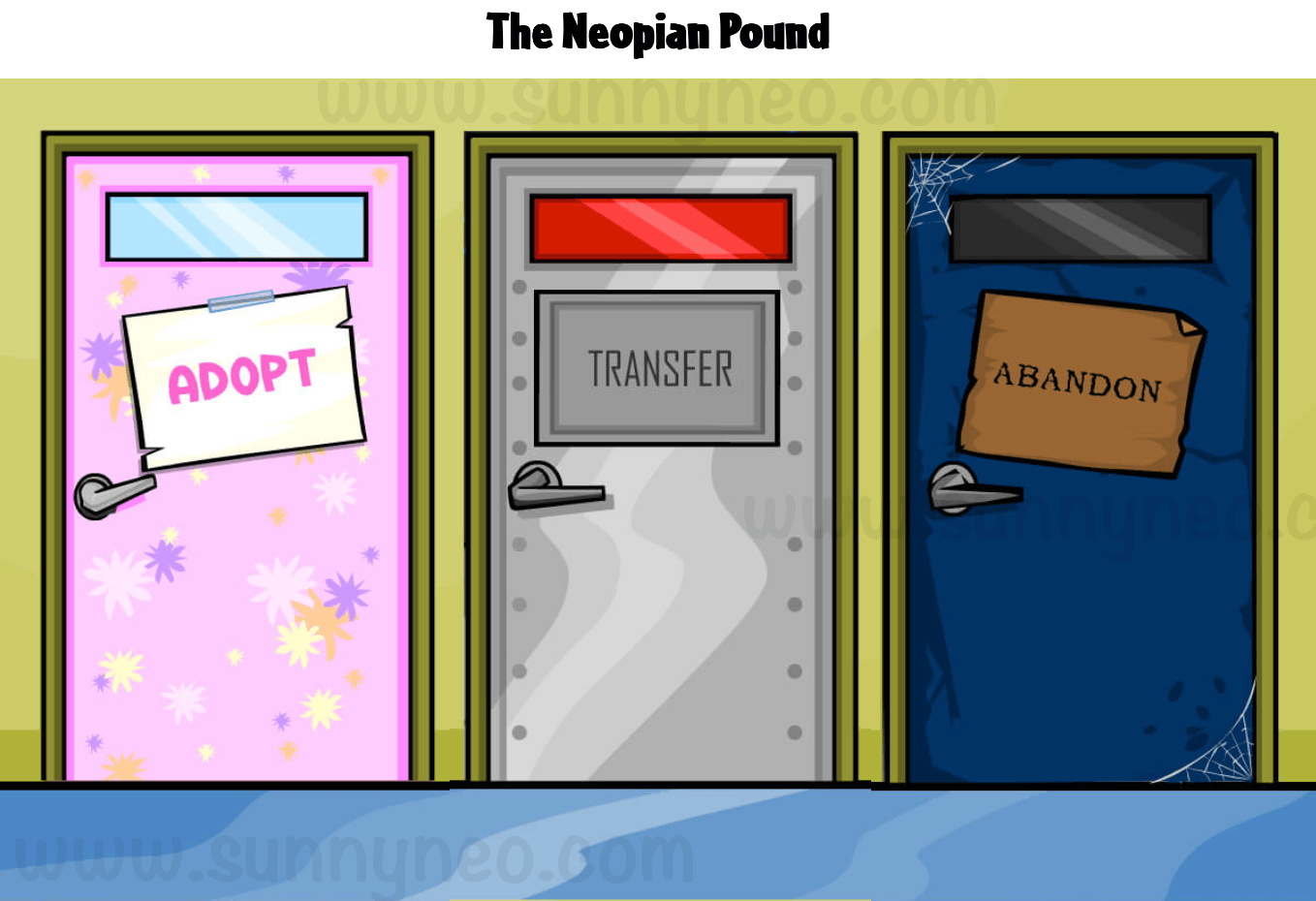
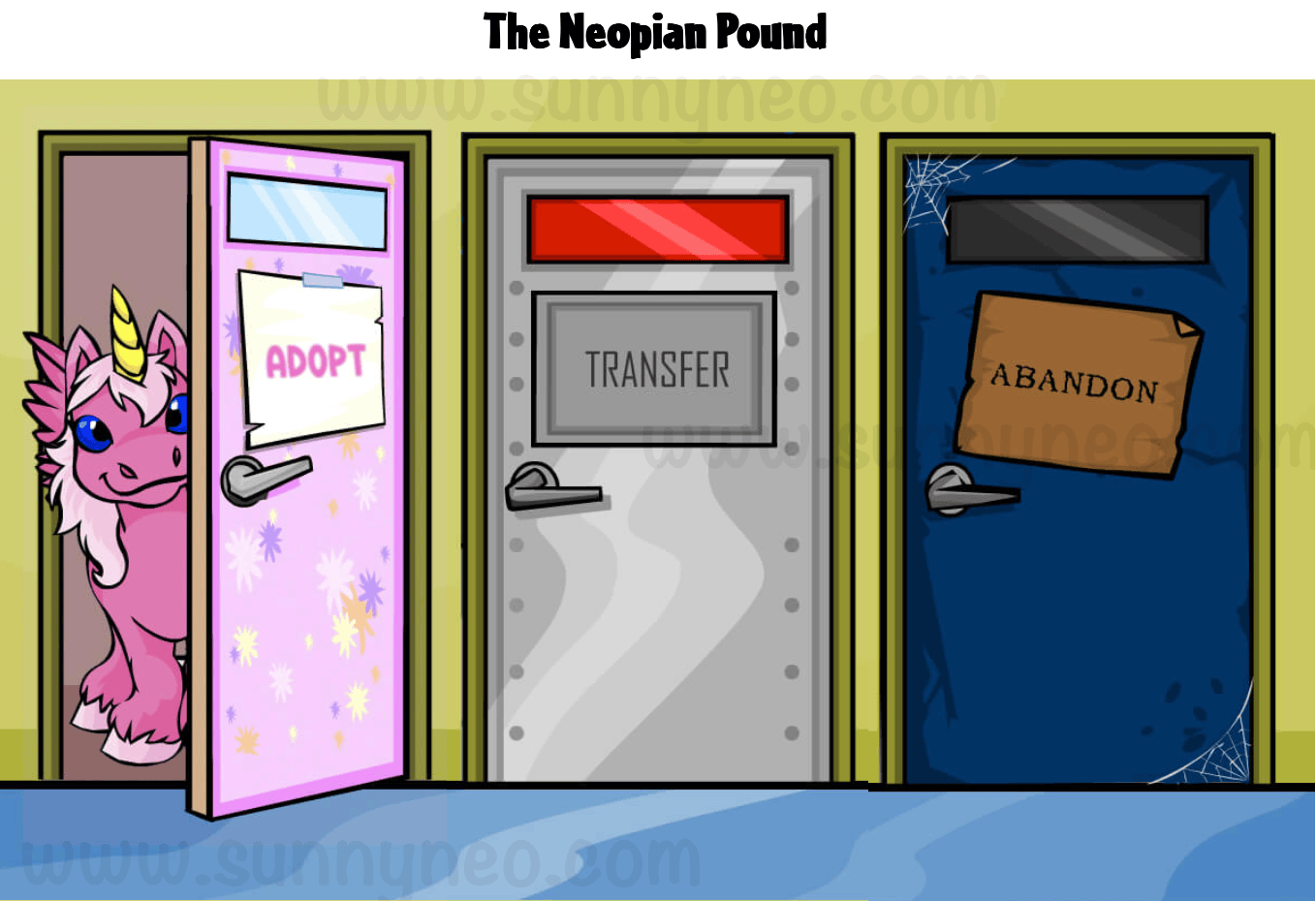
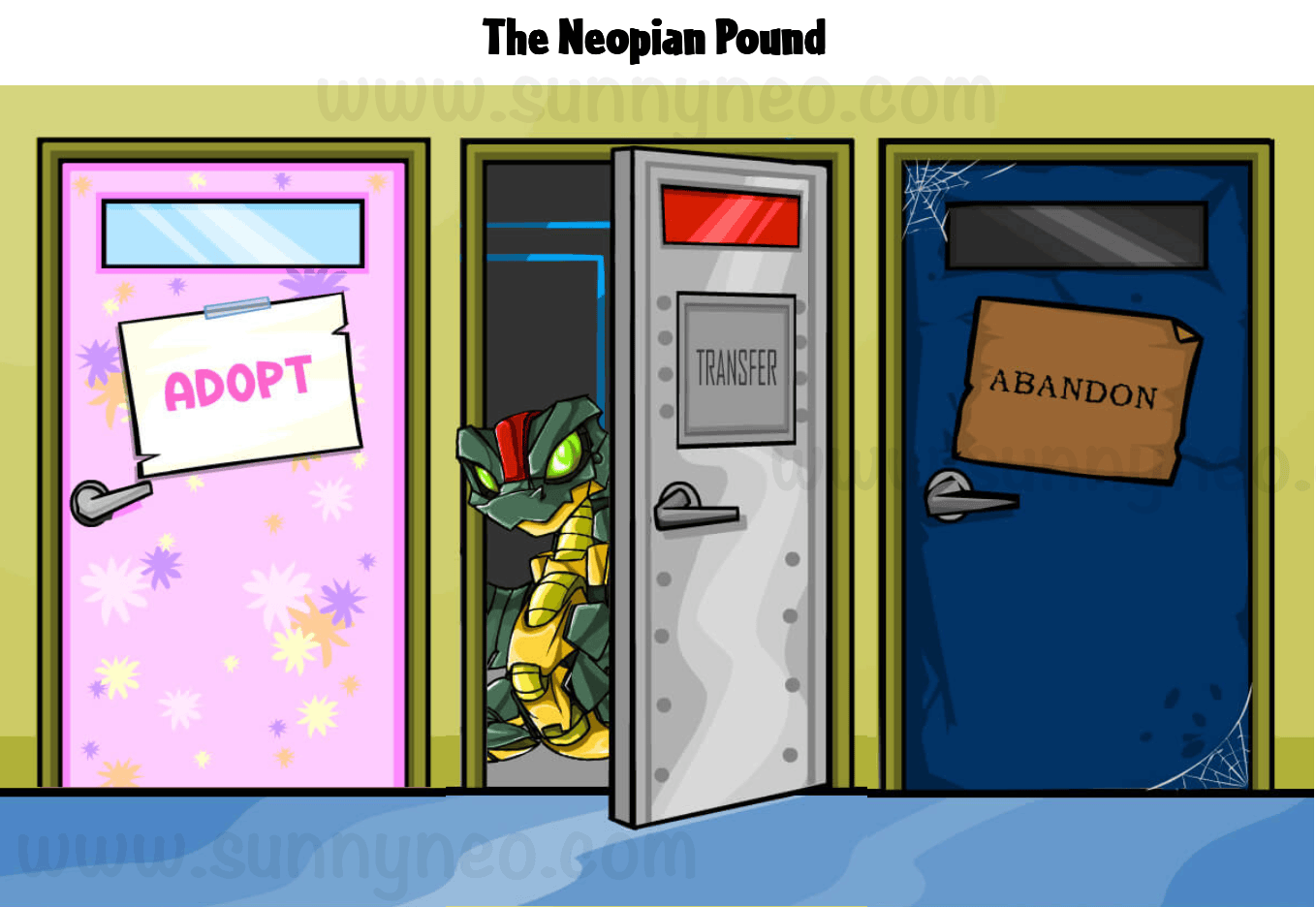
When entering the Neopian Pound, you are greeted by three doors: adopt, transfer, and abandon.
Adopt
When choosing to adopt a pet, you'll find that the pink door opens and a Pink Uni will peek through the door to welcome you in.
Pets that are listed are pets that had already existed and were abandoned by other users. When viewing pets to adopt, you are only given three pets at a time. To view more, you can easily click View More Neopets or continue to refresh the page for three random Neopets to appear. Additionally, if you know the name of the pet you want to adopt, you can Search Abandoned Neopets by Name using the search engine at the top of the page. You cannot, however, search pets by their colour or species. You can also Report Inappropriate Names if one comes up during your search.
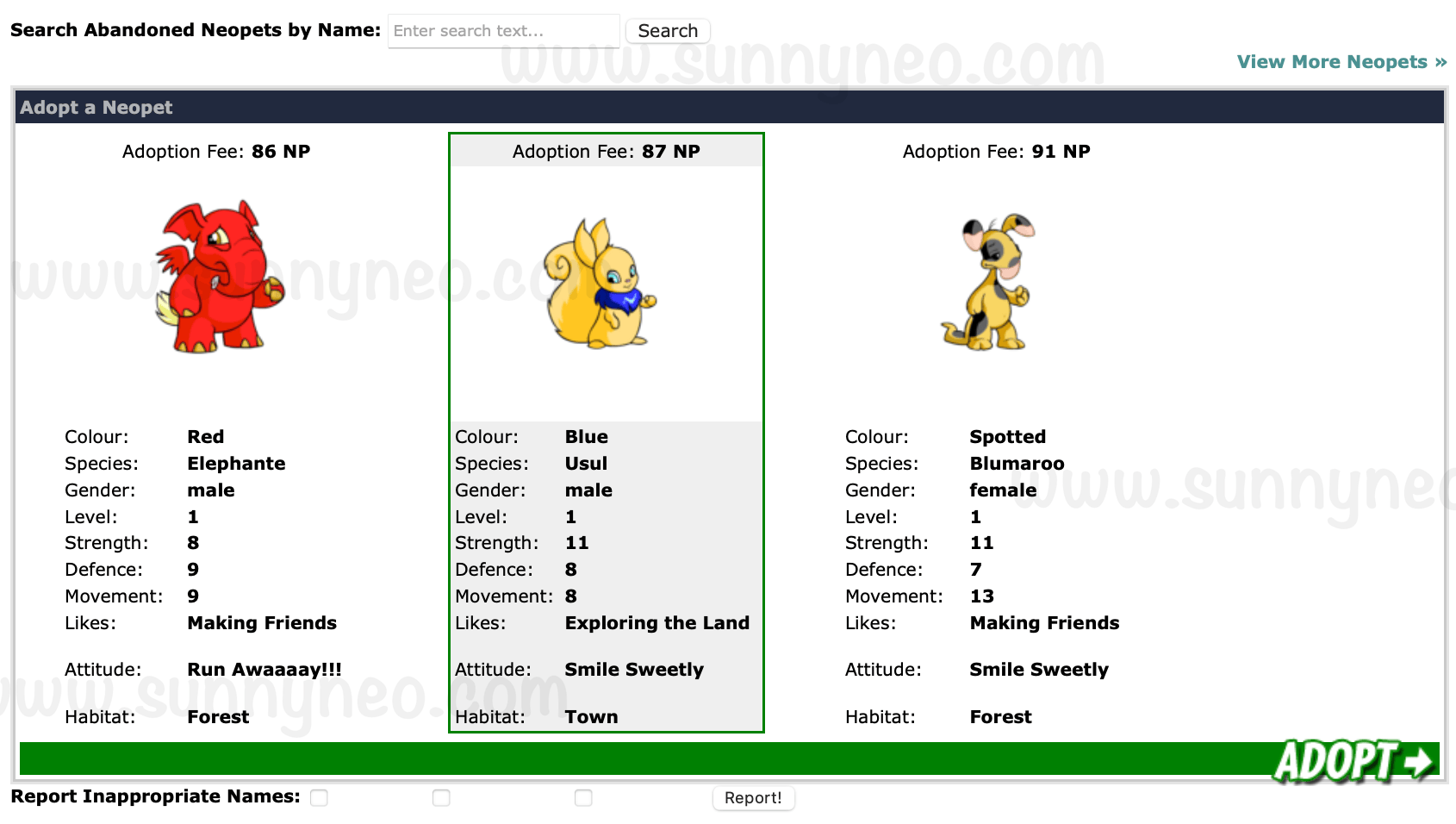
Once you decide on a pet to adopt, you will need to pay a fee. The fee amount is determined by the pets' level and stats. To help determine costs, check out our Adoption Cost Calculator.
Abandon
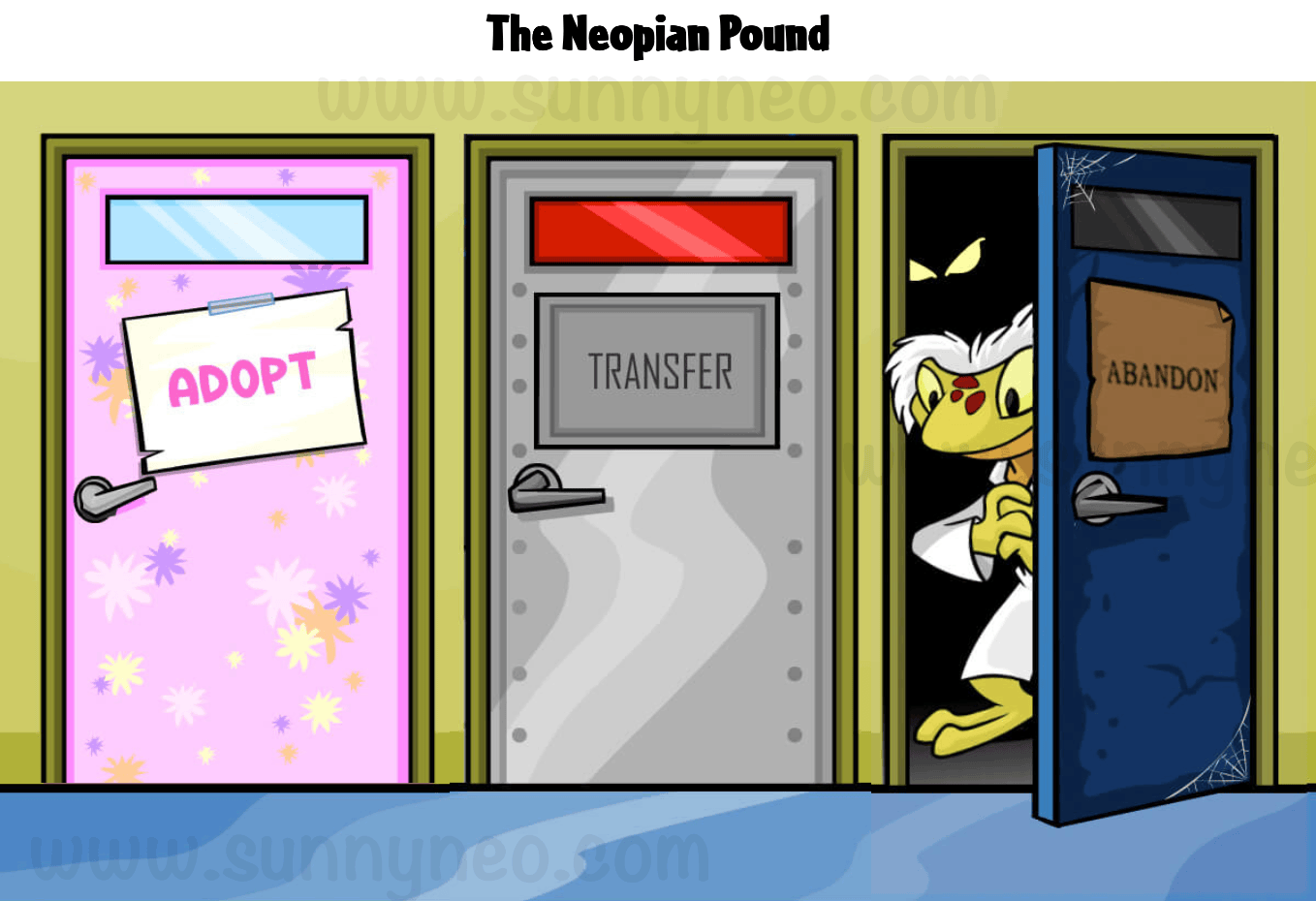
If you are choosing to abandon you pet, you'll find that the blue door opens and Dr. Death will peek through the door to welcome you in.
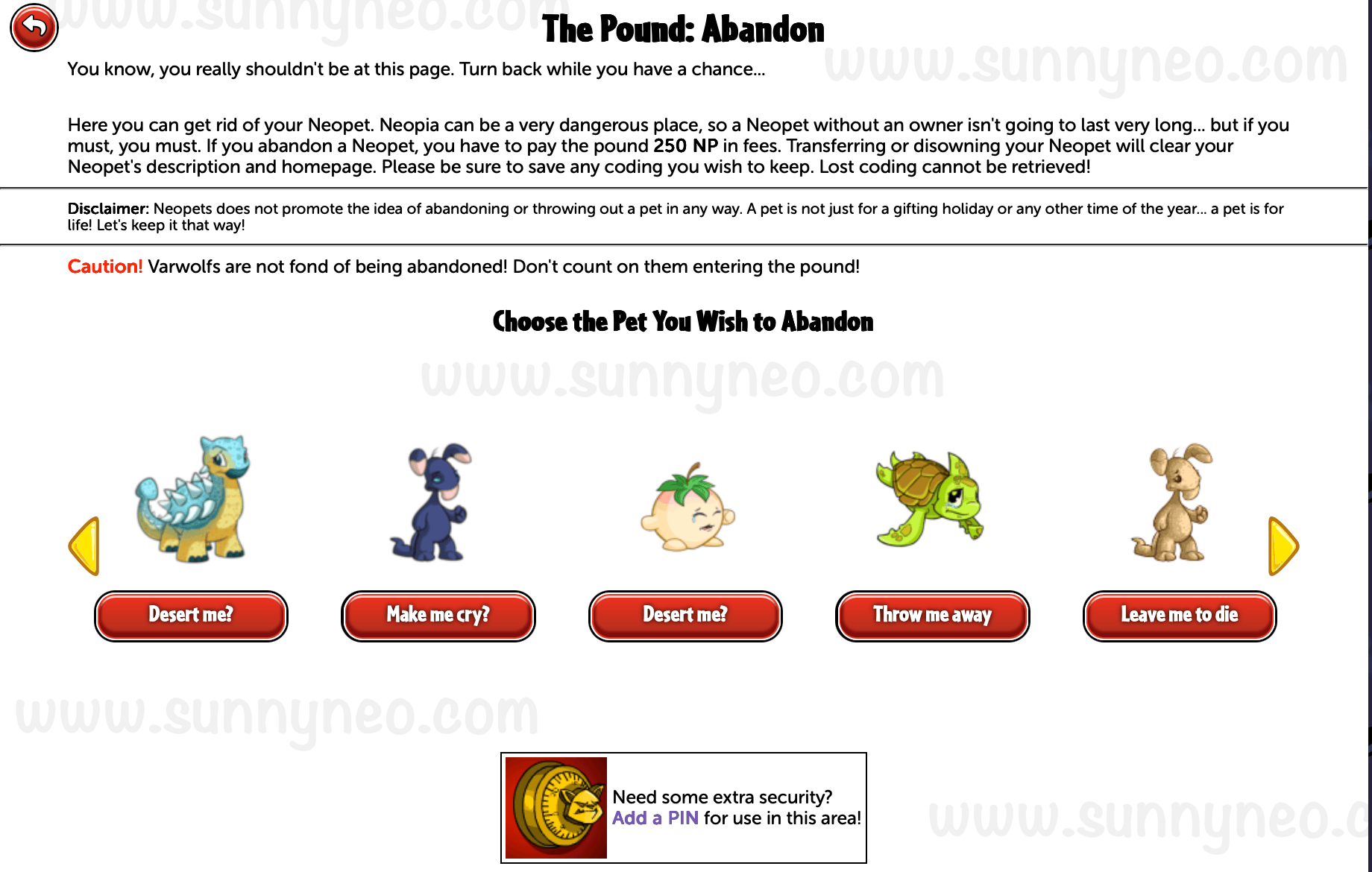
Abandoning your pet allows you to remove your pet from your account. Your pet will then be available for someone to adopt. For every pet put into the pound, there is a fee of 250 NP. You can only put one pet per day into the pound, and all pets must be at least one week old to be abandoned.
In order to put your pet up for adoption, you will need to click the button under their picture multiple times. Each time you click, your pet will say a sad, painful phrases such as "Leave me to Die" or "Throw me Away" until your page will eventually refresh and your pet disappears from your queue.
Avatar
By visiting the page to abandon your pet to the pound, you can earn an avatar. You do not need to abandon your pet to get the avatar.

Dr. Death
Go to Abandon a pet at the pound. (You don't actually have to abandon a pet!).
☠ D r . D e a t h
¯ ¯ ¯ ¯ ¯
Transfer
If you are choosing to transfer your pet to another user, you'll find that the middle metal door opens and a Robot Hissi will peek through to welcome you in.
Transferring pets became a part of the Neopian Pound in 2008. Transferring pets allows you to safely move pets from one account to another account. In order to complete a transfer, the sender must pay a fee of 1,000 NP and the receiver must pay the regular adoption agency fee. (To know how much you need to pay, check out our Adoption Cost Calculator.)
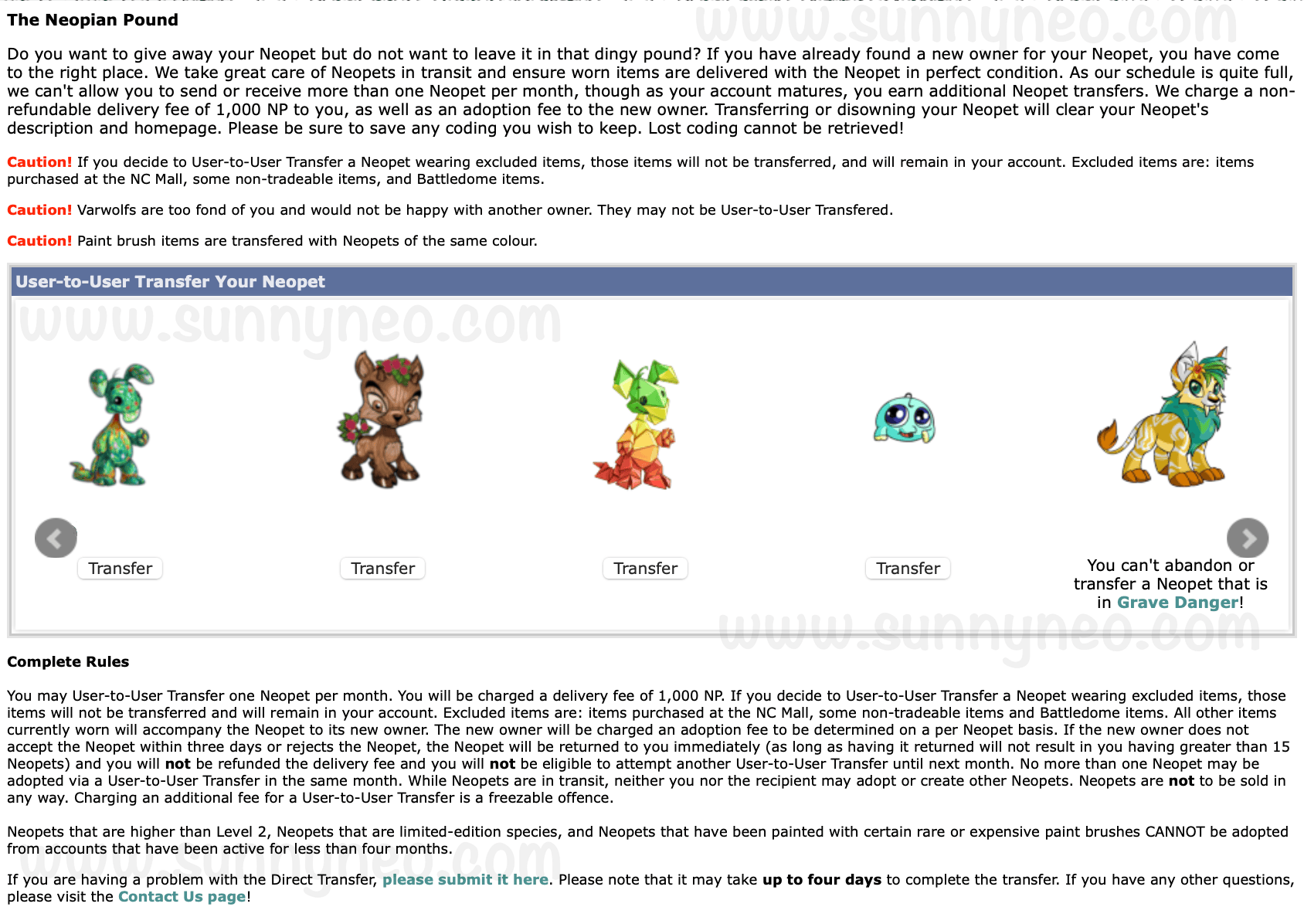
Each account has a certain amount of pet transfers available per month. The amount is dependent on your account age. To see how many transfers your account has by its age, check out our New Accounts guide. A pet cannot transfer more than once a day under certain conditions. If you and another user swap pets to borrow for an avatar you would need to switch back with different pets (such as a random pound pet) in order to get them back the same day. Otherwise you would need to wait until midnight NST to swap back. Lutaris cannot initiate a transfer, but if another user initiates one they will be able to offer on your Lutari to complete the swap that way. This trick does not work for Varwolves.
Additionally, all pets that are transferred will have their description and petpage cleared.
If someone offers a transfer, and it is rejected, it still counts as a transfer of that month for the sender. The receiver does not lose a transfer because they rejected the trade. If someone sends a transfer to a user who has already used up their transfers for the month, the sender will receive a message stating that the receiver cannot accept a transfer and the sender will not lose a transfer.
When someone is offering to transfer a pet for you, you will receive an alert. On the old version of the layout, you would see a Robot Hissi icon at the top.
Trading in a Transfer
In September of 2008, specific trading of pets was introduced to the transfer feature. Unlike the traditional transfer where each person must send and receive pets separately, this added feature ensures that pets on both sides (the sender and receiver) are being swapped at the same time. This lessened the amount of scamming that was happening when people waited for a pet to be sent to them in response to them sending a pet to someone else.
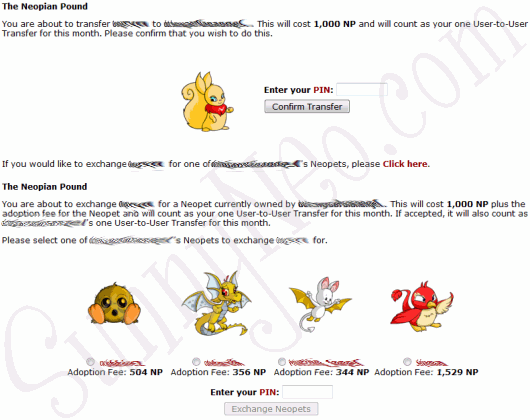
Just like in traditional transfers, there is a 1,000 NP fee plus the adoption costs. Both fees are paid by the sender and receiver. Using trades still counts as your transfer for the month. Additionally, you do not need to make sure that there is a pet slot available for the trade as the new pet will take the place of the pet you transferred.
Pound Transferring
There have been some cases where users have spent up all their transfer credits and need to continue transferring their pets. In this case, two users agree on an exact time that their pet(s) will be placed in the pound. As quickly as possible, they search for the pet names in the pound and get the pet onto their account.
Pound Rules
The pound does have a few rules and conditions to it. The rules are shown below. If you click on the [NT] link you will get a confirmation of this rule from the Neopian Times Editorial.
|
Pets & Colours
While there may be hundreds to thousands of pets in the Neopian Pound, there are some specific pet species and colours that cannot participate in the pound.
Neopet Species
There are two Neopets that can never be abandoned in the pound. The two species are the Lutari and the Varwolf. Both the Varwolf and Lutari would disappear if you try to pound them.


Neopet Colours
If you choose to pound an Ice Bori, it will automatically change its colour to Blue. This is because Ice Boris were given as unique prizes to users who downloaded the Neopets Toolbar a long time ago for a limited time. Additionally, all pets coloured Magma will automatically change its colour to red.


Petpets
You are able to trade petpet attached to your pet. If your pet has a no-trade petpet attached to it, such as the cardboard petpets from a Newbie Pack, you cannot pound or transfer the pet. All no-trade petpets must be removed from your pet first. Also, no pet can be transferred or abandoned if their petpet is participating in Grave Danger.

Clothing
There are three types of clothing a pet can wear: Regular Clothing, which is bought with Neopoints; Deluxe Clothing which comes from a Paint Brush; and NC Mall Clothing, which is bought with Neocash.
When a pet is placed in the pound, or abandoned, all of its clothing is automatically removed and placed into your inventory. However, when a pet is being transferred, all regular and deluxe clothing will stay on the pet when going to a new owner.
NC Mall clothing and non-tradable clothing will never transfer. If a pet is a specific colour that has deluxe clothing, most will also be transferred to the new owner. Even if your pet is not wearing their deluxe clothing, all clothing associated with the Paint Brush will appear when adopted by a new owner.
Player-Run Features
While the pound features abandoning, adopting and transferring, many players have taken it upon themselves to create features of their own to enhance their gaming experience. These features are Chain Lending and Custom Pets. Most users connect with one another on the Pet Trading NeoBoard or the Avatars/NeoSignatures NeoBoard. None of these features are run by TNT, so you are participating at your own risk.
Chain Lending
Chain Lending is when the original owner of a pet, specifically an avatar pet, lends their pet to one person, who then continues the chain of lending to another user designated by the original owner of the pet. Chain lending usually takes a few days since a pet can only be transferred once per day. To be a part of a chain lend, you can find chain lenders on the NeoBoards or make a thread asking to be lent.
Custom Pets
Custom pets are pets that someone creates specifically for another user in exchange for their pet. Users will usually offer to create pet of a colour (or species) of your choice along with a very well name (no random letters, numbers or underscores) in exchange for a pet that you have. There has also been users who would pay neopoints, which they call pure, for a pet of yours.
Custom pets can be created by Paint Brush, Lab Ray, or when a user has a Fountain Faerie Quest. Keep in mind that if a user is offering a custom through the Fountain Faerie Quest, that you would not be able to receive a Royal, MSP, Sponge, Robot, Ice, Usuki or Quiguki pet.
On October 22nd, 2008, TNT made it clear that offering a custom pet Up For Adoption (UFA) without it existing is not allowed.
Additionally, you may not sell custom pets as an upgrade because it's trained.
Pet Auction House (PAH)
This is a trading game that involves pets only (no items or NP). How PAH works is that someone hosts by making a board, and then people can list what pets they are putting up for auction. The first post will include a time the listing closes. To list your pet for auction, just post on the board. Once the listing time has passed, a new board will be made for bidding with a set end-time. Anyone, including those who listed their pets for auction, can bid on other pets. To successfully auction, you must list your offers on the pet you are bidding on. You can bid on more than one pet, and you can offer custom/FFQ/PP. Sometimes, there are versions of PAH that include a certain number of passes or no pass. There are also times where you can pass on everything and keep your pet. These versions of PAH all depend on the rules outlined by the host. Additionally, to keep bids organized and easily tracked, the host can put everything up on a petpage.
| Pet Auction House Customs | |
|---|---|
| Frenzy | You can bid on pets that are bidding on other pets. |
| H&H | Half and Half – you have to list two pets. If both pets get bids, you have to trade one. If only one pet gets a bid, you can pass. |
| Shuffle | This used to be more common for UC pets, but since TNT introduced Styling Studio, there has not been so much of a need to differentiate. Shuffles tend to be a no-pass as a rule. |
| Spicy H&H | You have to list two pets. If only one pet gets bidded on, you still have to trade that pet. |
| Roulette | No bids, just trades. You list your pet and you are allowed one pass once the set-time is up. |
| Wondertrade |
No bids, just trades. You list your pet and you have to accept the first pet offered on it. |
Scamming
Unfortunately, scamming occurs and it is one of the most common scams on-site. Scams include using the transfer feature (not the trade feature) and after you've sent a pet over to a user, that they disappear or self-freeze their account, eliminating all evidence on the NeoBoards and unfreezing their account when all feels safe. It was for this reason that TNT included the trade transfer feature.
Another scam that has happened countless times is when users scope the pound and contact other users of painted or well named pets a sob story of how they lost their pet and persuade users to get the pet "back." While it is not against the rules to lurk the pound, it is against the rules to reach out to users pretending that the pet was theirs. If this happens to you, know that you are under no obligation to return a pet you found in the pound. If someone continues to harass you with screenshots and sending friends to you, you can block and report them. Screenshots can be faked and accounts can be sides.
Commonly Used Abbreviations
When entering the NeoBoards, specifically the Pet Trading NeoBoard or the Avatars/NeoSignatures NeoBoard use abbreviated terms when discussing pets in the pound.
| Abbreviation | Full Name |
|---|---|
| FB | Fire Blumaroo |
| FFQ | Fountain Faerie Quest |
| IQ | Island Quiggle |
| MR | Mummy Ruki (Halloween Ruki) |
| OG | Orange Grundo |
| OTB |
Offer to Beat – a way of saying what the best offer you've received for a pet so far is |
| RB | Royal Boy pet |
| RG | Royal Girl pet |
| RN | Real Name – a pet with a name that is also a human name like Sarah or Katie |
| RW | Real Word – a pet with a name that is a real word (found in a dictionary) instead of a made-up name |
| UC | Unconverted pet – a pet with the old artwork from before Neopets revamped pets to be customisable |
| UFA | Up for Adoption – used when someone is giving away one of their pets (already created) and is looking to give it to someone |
| UFT | Up for Trade – used when someone is looking to trade pets with someone |
| VWN | Very Well Named – a pet that does not have random letters, numbers, or underscores in its name and can often have the first letter of the name capitalised |
| WN | Well Named – a name that does not have any random letters or numbers |
History of the Neopian Pound
The Neopian Pound was released on June 30th, 2000 where it was run by a scary character named Ms. Worley.
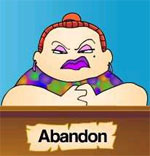
It was later taken over by Dr. Death, with the help of a Pink Uni.
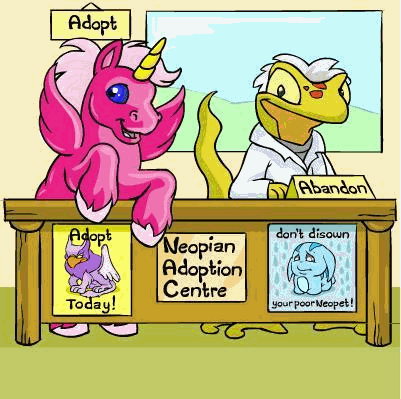
It was then on April 26th, 2007, the pound had closed down while TNT redesigned the pound to work with the new customisation clothing. The Neopian Pound was then relaunched a year later on April 30th, 2008, equipped with a new transfer feature. In October 2nd, 2008, the transfer feature was updated to allow pets to specifically be traded from one account to another safely to prevent users from getting scammed out of their pets during the two-part process.

 {{ loadingMessage || 'Loading, one moment please'}}