Basics: Getting Started
Once you log in you will see a version of the regular Neopets Homepage.
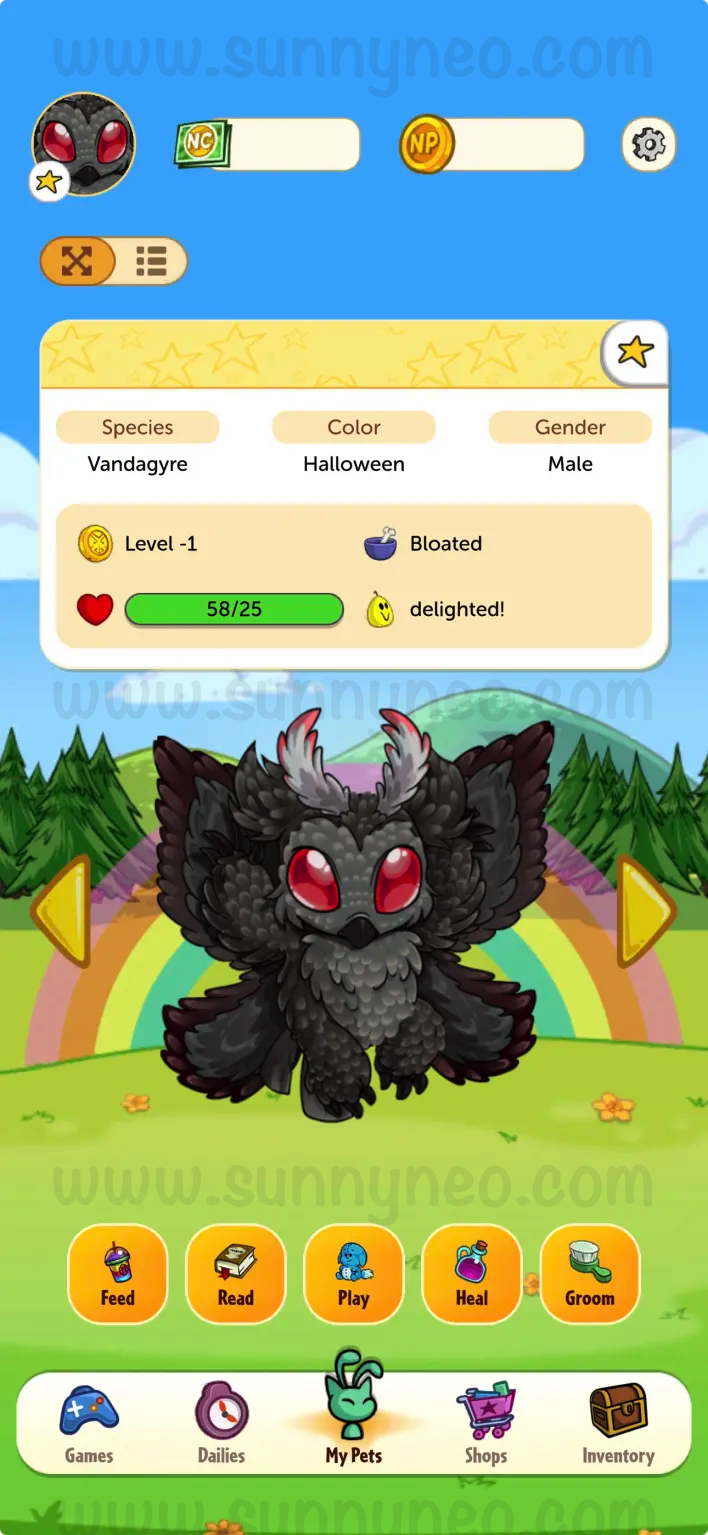
My Pets
icon at the bottom. If you prefer a more compact view without scrolling to the side and would prefer to scroll down, you can toggle the switch on the top underneath the image of your active pet. Additionally, can see the compact view by tapping on your active pet on the top left.
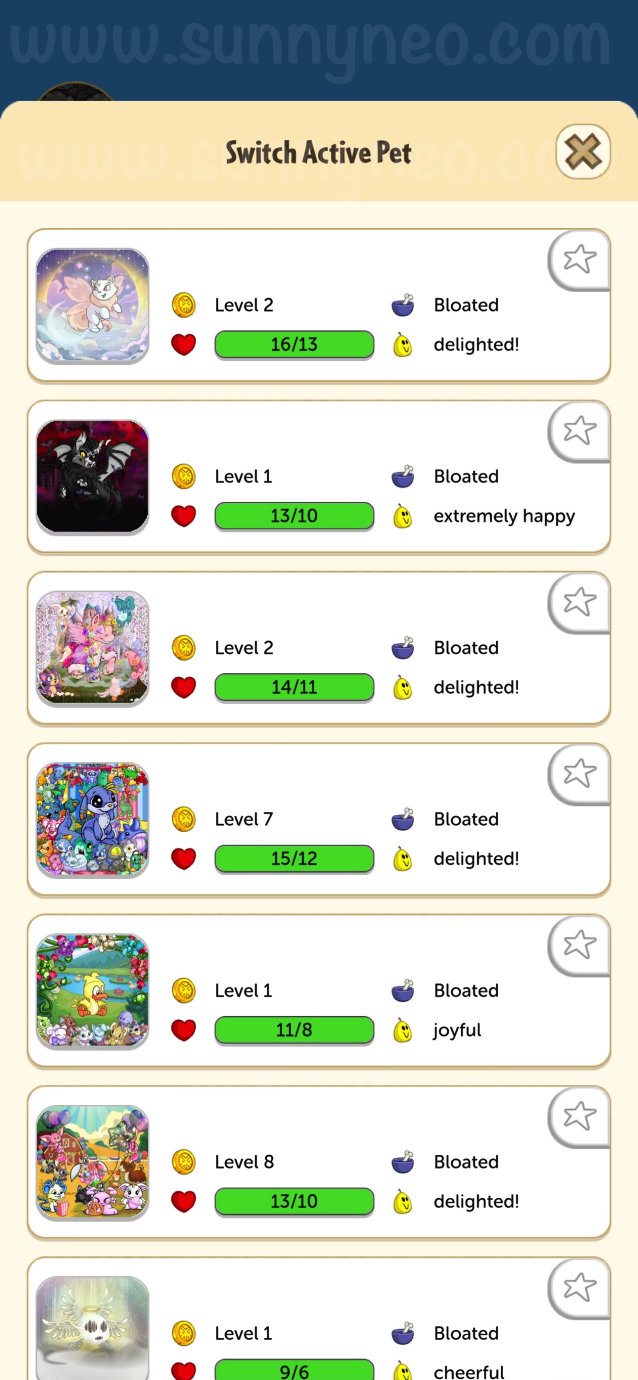
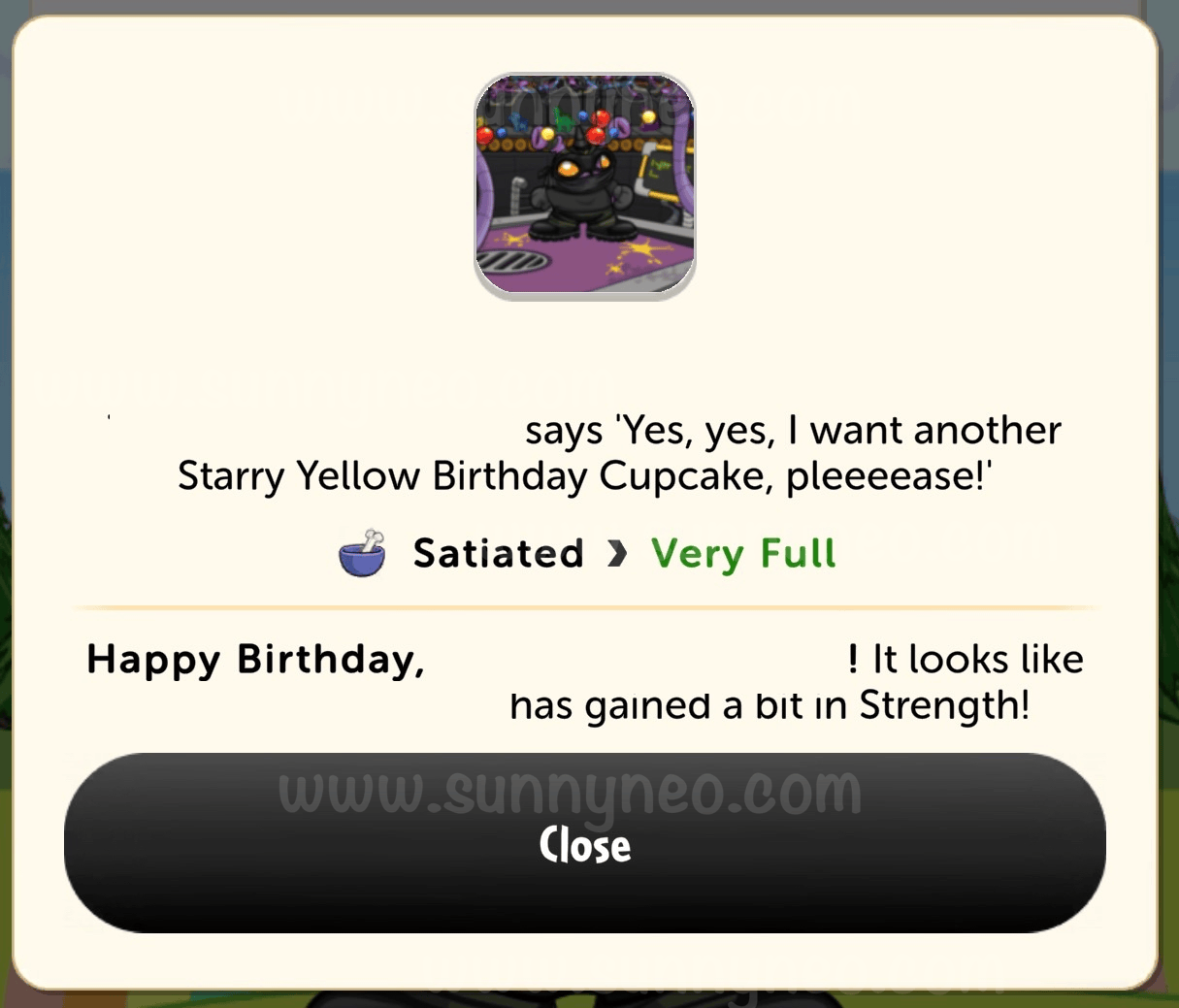
Also on the homepage, you can click on Feed, Read, Play, Heal, or Groom and a list of items in your inventory in that category will appear. You can then use the item on any pet, and they appear with one of their classic sayings along with any other important message about the item (disappearing books, stat booster foods, etc.).
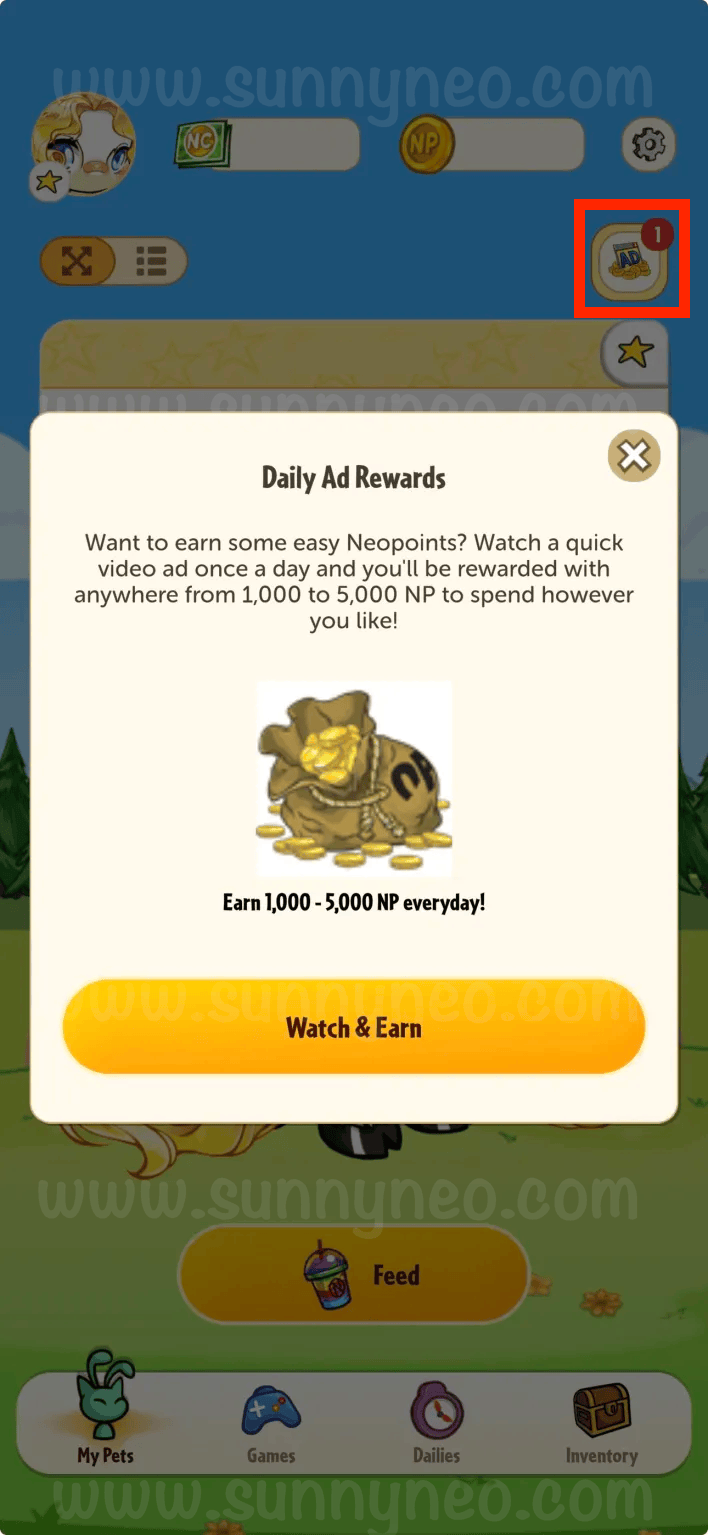
If you do not have an active Premium subscription, you will see an
Ad
button located at the top right of the page. You can watch an ad once a day for your daily ad reward. The reward ranges between 1,000 NP to 5,000 NP.
Settings
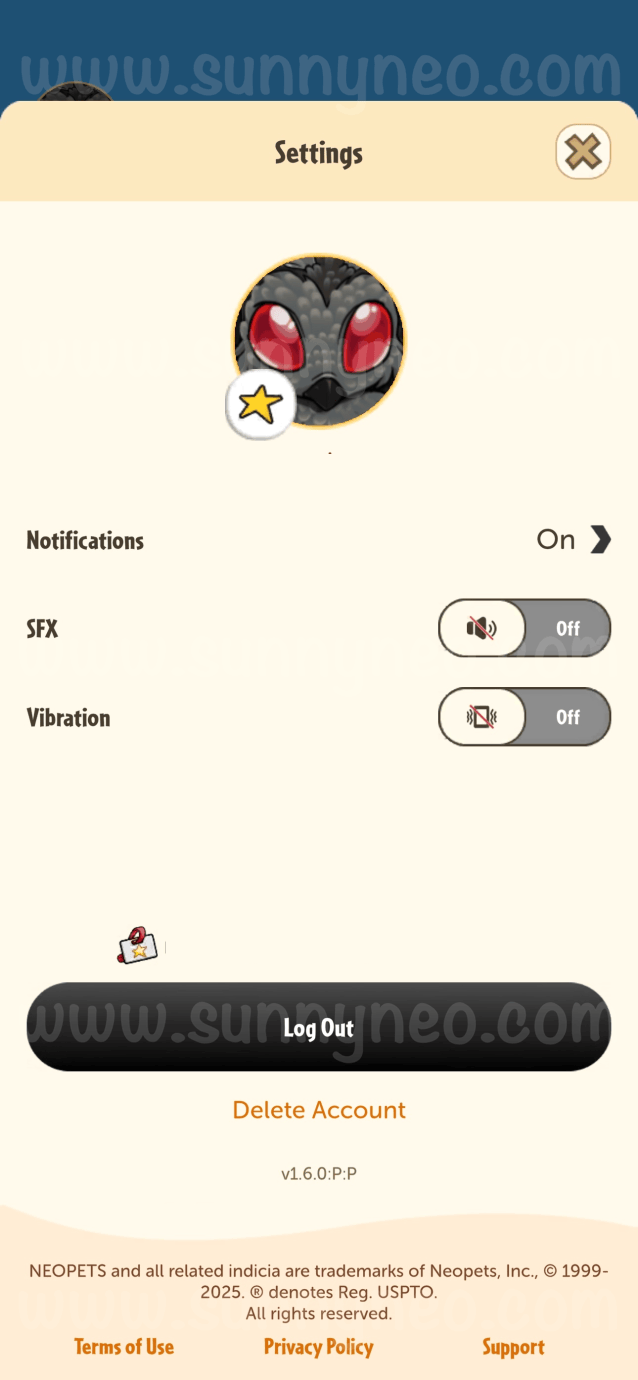
Aside from the games and dailies, you can also establish settings that best fit your needs. For example, you can toggle notifications on or off for dailies, games, pet statuses, or all, or even toggle on or off the vibration from the app itself. In your settings, you can choose to log out or delete your account. If you choose to delete your account, you will be deleting your NeoPass account, which means deleting all of your accounts used on the NeoPass email. We recommend being very careful not to hit that button unless you mean it.
TNT has been continuously adding more features to the Neopets: Companion App all the time. Be sure to check back to learn more about what's new in the app!

 {{ loadingMessage || 'Loading, one moment please'}}